Finding data
The Resource Catalogue provides a user-friendly interface for discovering and accessing Earth Observation data. This guide walks through the basic features of the catalogue's browse page and how to use its filtering and search capabilities.
💡 Video Tutorial: Discover data collections on EODH
The Browse Page
When you first visit the Resource Catalogue, you'll see the browse page which displays all available datasets. Each dataset is presented as a card containing:
- A thumbnail image
- The dataset collection title
- The date range covered by the dataset
Filtering Data
The catalogue provides several filtering options at the top of the page to help you narrow down your search:
Data Category Filter
You can filter datasets by their category. For example:
- 🌡️ Climate projection data
- 🛰️ Optical and multispectral data
- Other specialized data types
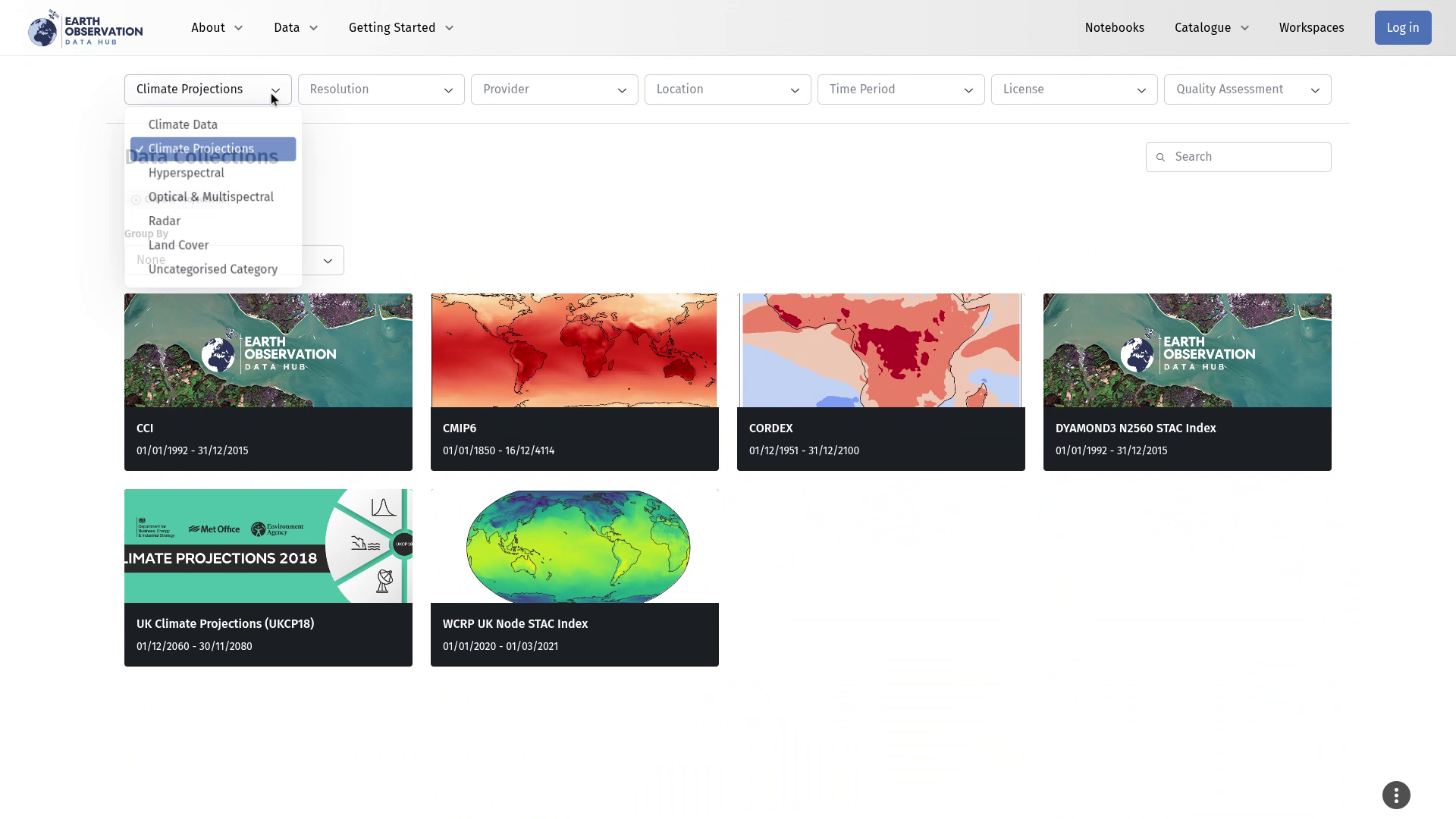
To use a filter:
- Click on the category dropdown
- Select your desired category
- To clear a selection, click the close button (X) on the pill icon that appears
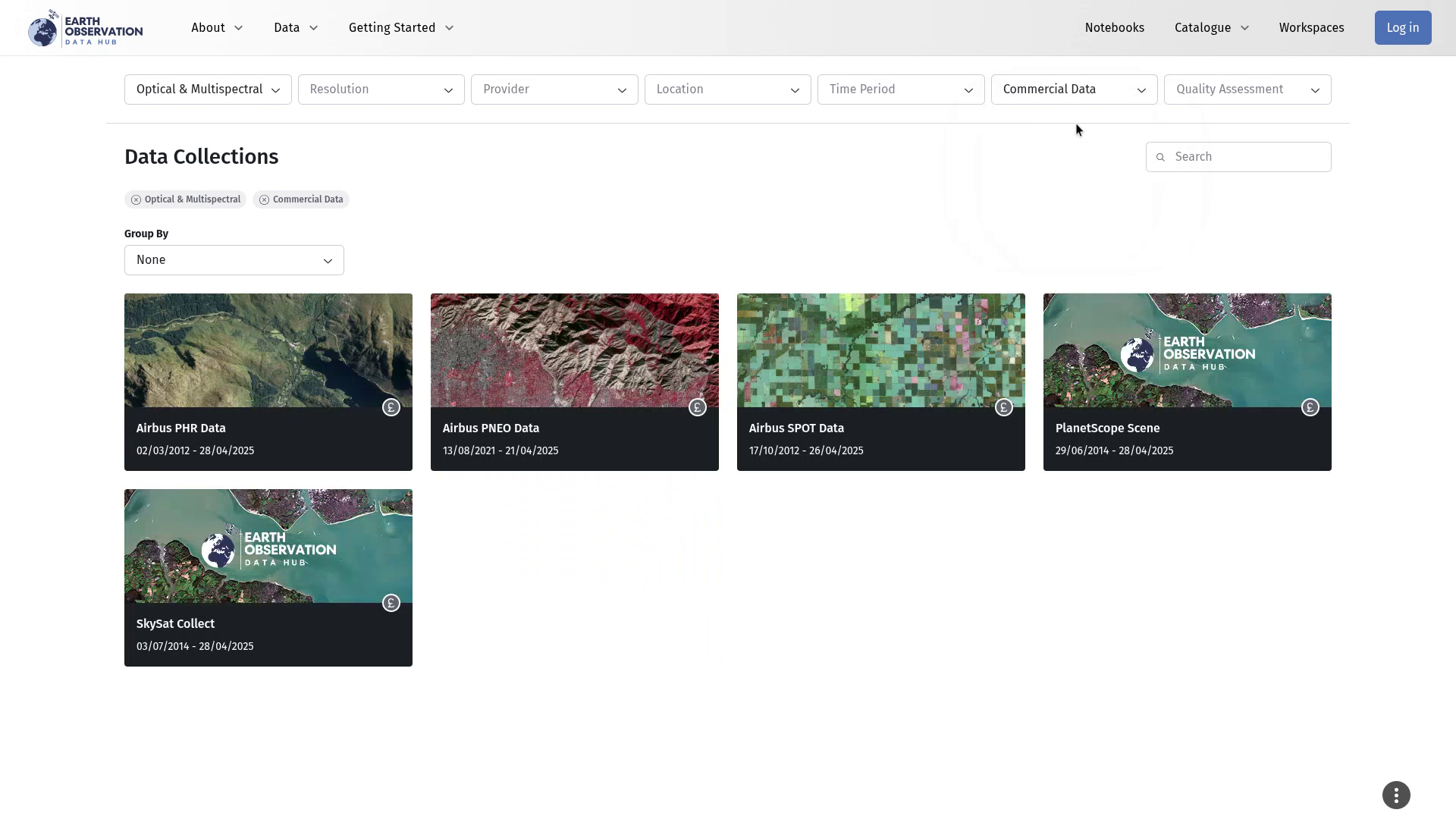
Multiple Filters
You can combine multiple filters to refine your search. For example, you might want to find:
- Optical and multispectral data with an open data license
- Commercial data with specific characteristics
Grouping Options
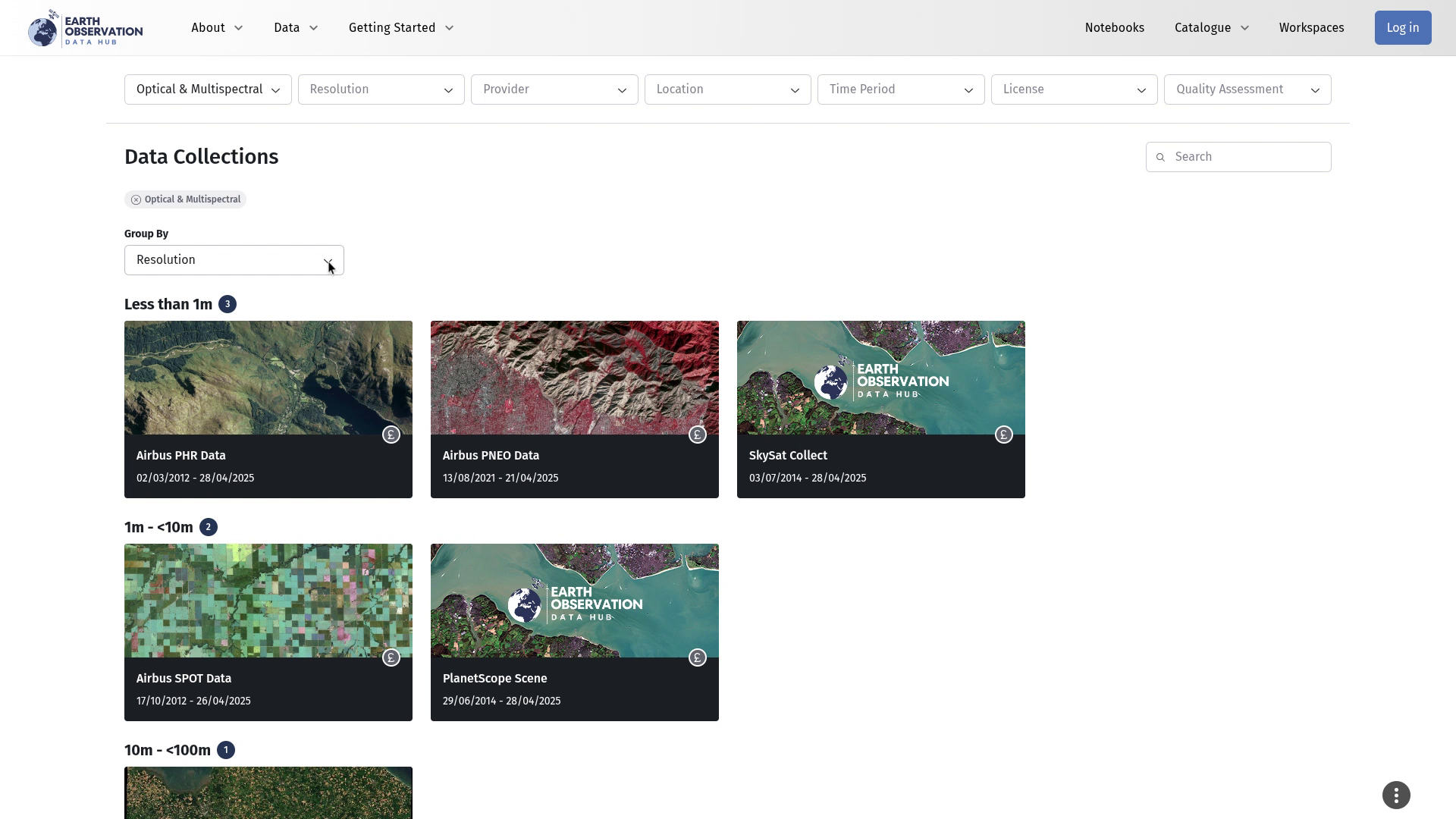
The "Group by" feature allows you to organize the displayed data into categories. You can group by:
- Provider
- Data type
- Other available categories
Note
You can only use one grouping option at a time, but you can combine it with multiple filters.
Searching for Data
The search function allows you to find specific datasets using keywords:
- Click the search button
- Enter your search terms (e.g., "Sentinel" or "temperature")
- The catalogue will filter to show only matching datasets
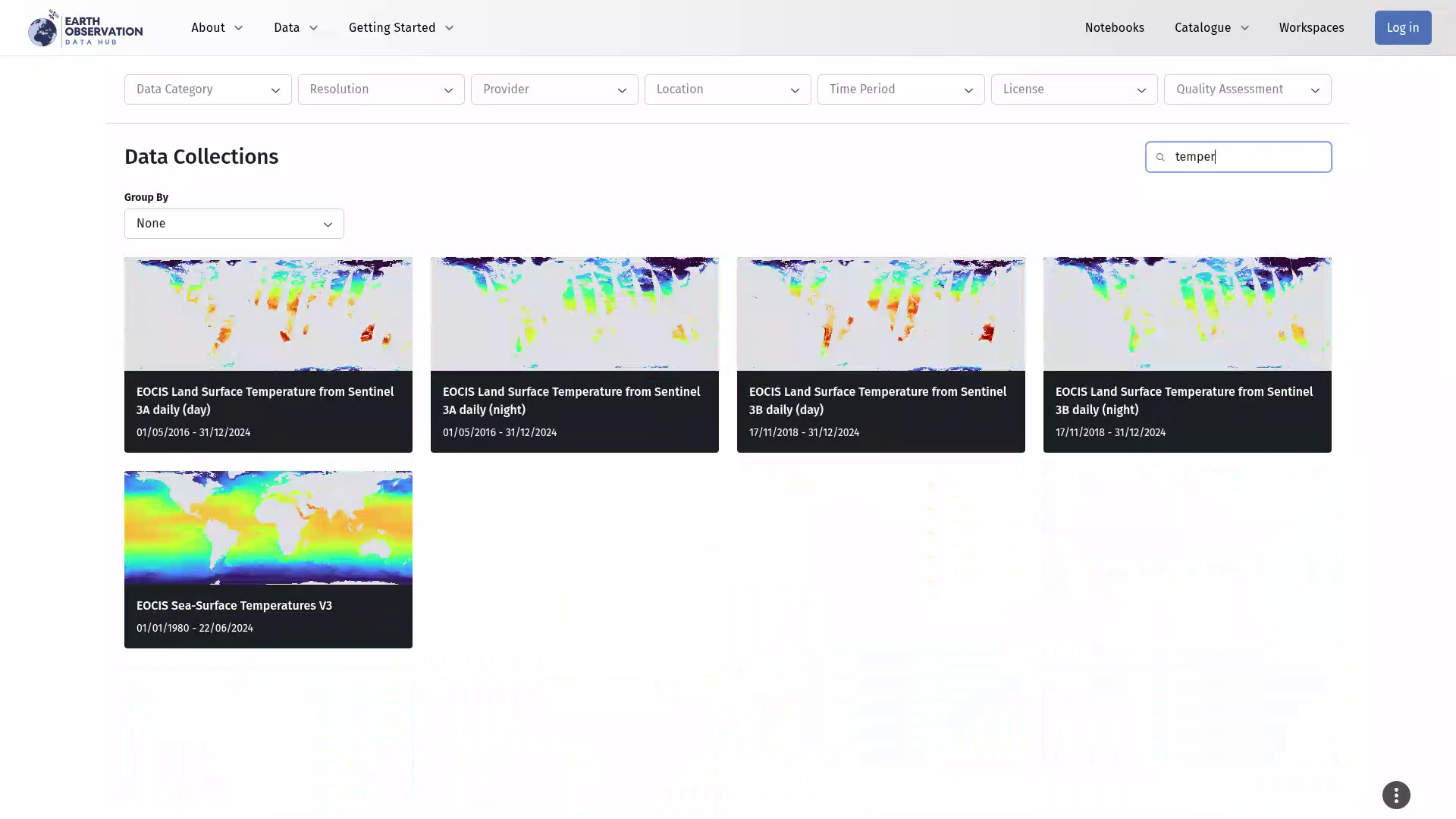
Viewing Dataset Details
When you find a dataset of interest:
Click on its card. You'll see detailed information including:
- Full title
- Date range
- Description
- Relevant keywords
The Map Page
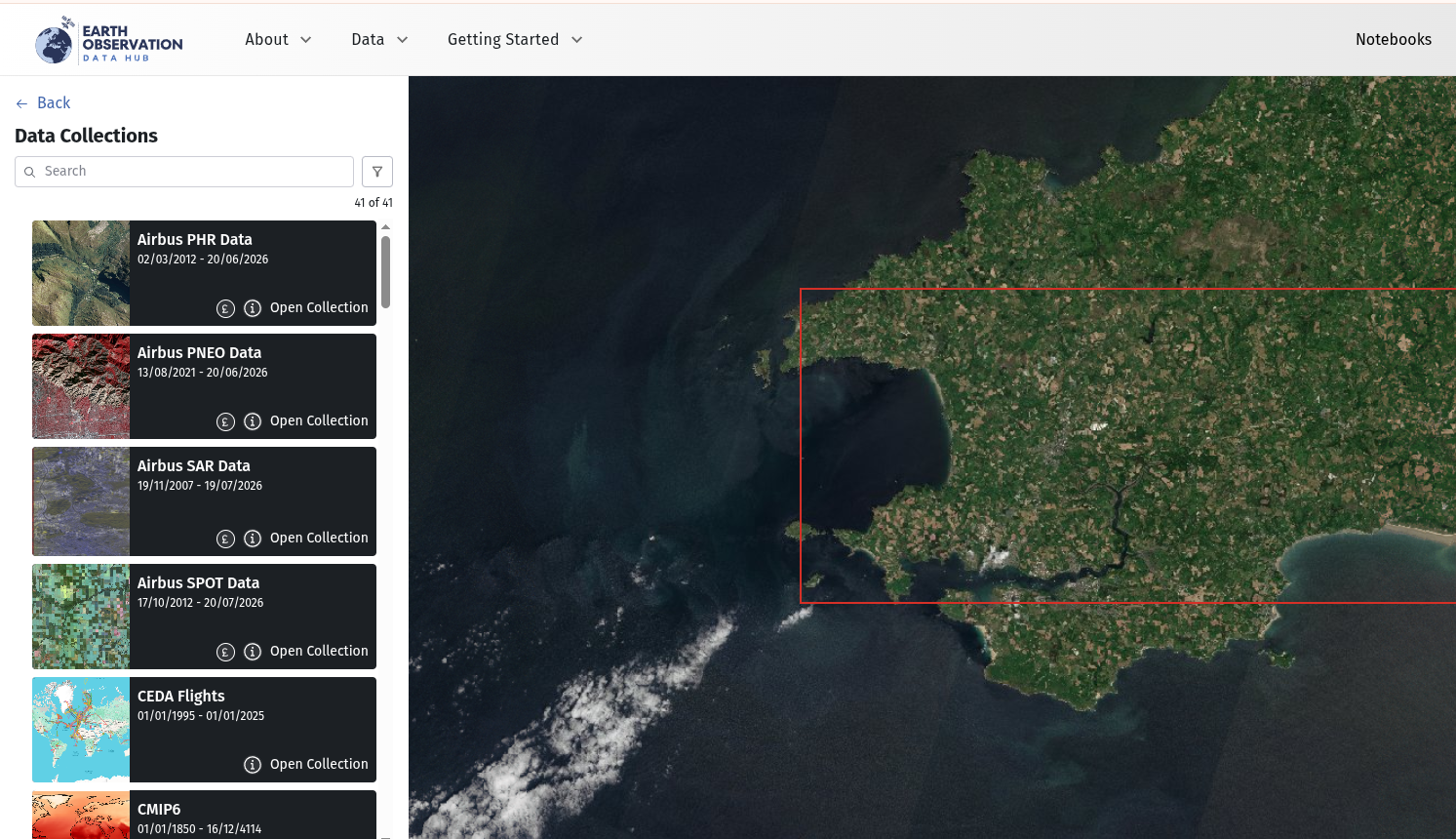
The Map Page is designed as a quick start option. It takes you directly to the default Sentinel 2 ARD data set and drops you back in to the last extent that you were looking at on the map. From this point a user can undertake all the expected collection related filtering and map interaction.
Changing Collections
There is a simple way to change the collection you are looking at from within the Map Windows (or search results page if you have arrived via the Collections Browse page). Find the Change Collection link in the top left portion of the page and click on it.
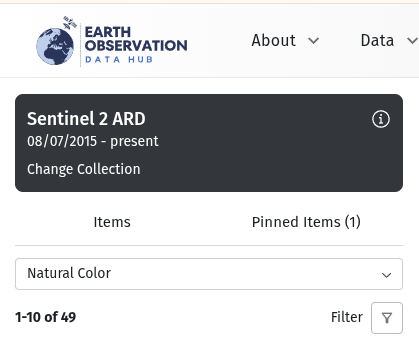
This will result in all of the available collections being displayed, as shown below. From here you can use the filter tools to find and interact with the collections you require.